WebP vs JPEG: 5 Simple Differences to Pick the Best Format
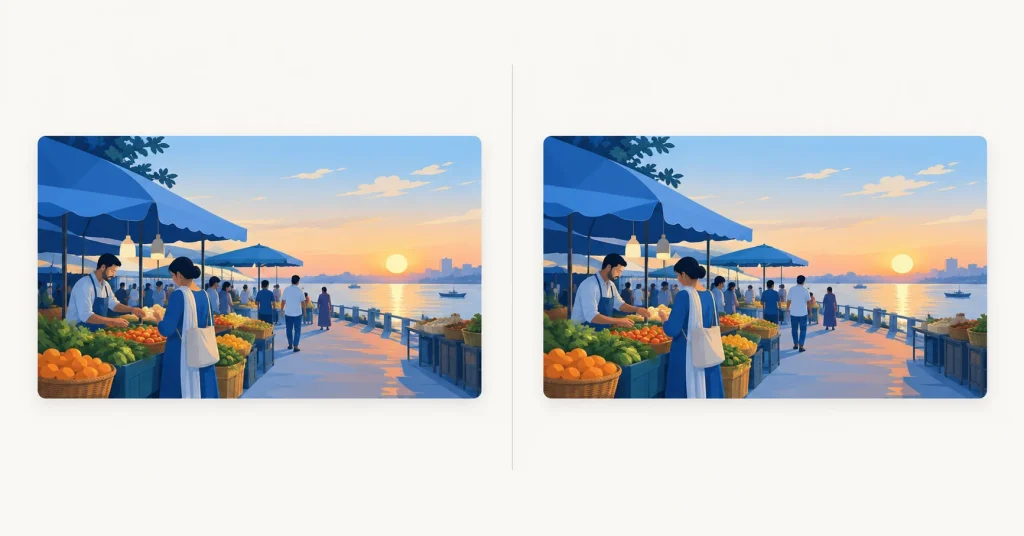
WebP vs JPEG sounds like a format war, but for most websites it’s a quick decision. WebP usually gives you a smaller file at similar quality, and almost every browser can show it now. JPEG still wins in a few places, and it’s worth knowing where before you convert your whole media library.
WebP vs JPEG: the short answer
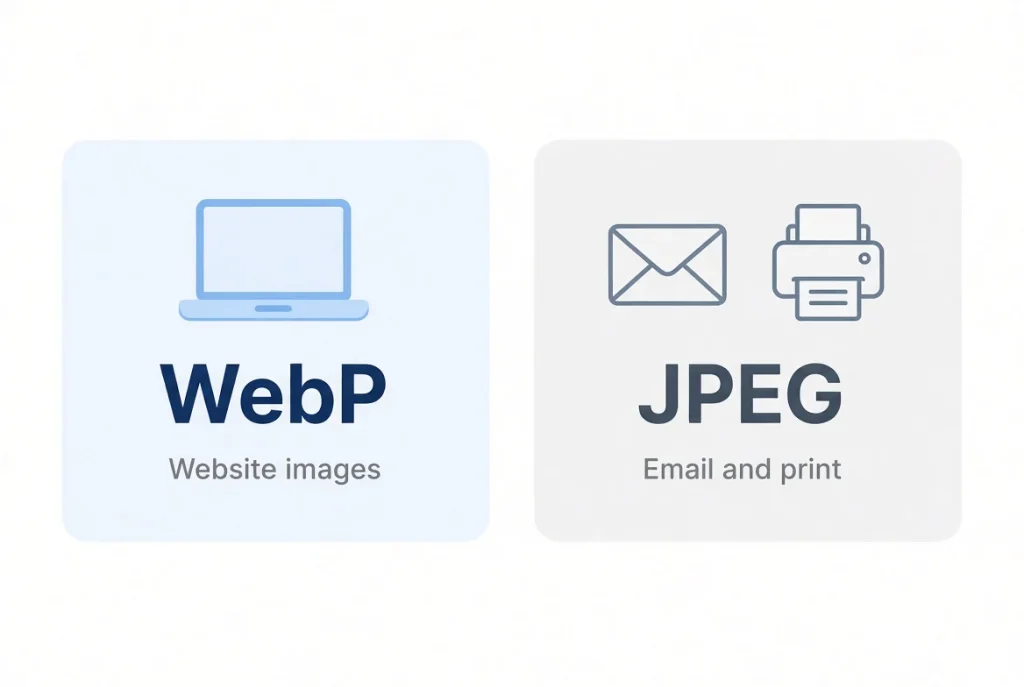
Use WebP for images that live on your website. Keep JPEG for anything that leaves it: email attachments, print shops, uploads to services that won’t take WebP, and files you hand to someone with older software.
If that’s enough, you’re done. If you want to know why, here are the five differences that matter.
1. File size
This is the reason most people switch. Google says lossy WebP is 25–34% smaller than comparable JPEG images at the same SSIM quality score. That’s Google’s figure, measured on its own set of images. Your photos could land higher or lower, so check the test further down.
2. Image quality
Both formats are lossy for photos, so squeeze either one too hard and it’ll look bad. They fail in different ways, though. Heavily compressed JPEGs tend to show blocky patches. WebP tends to look smoother and a bit softer.
One trap: quality numbers don’t match across formats. WebP at 80 isn’t the same as JPEG at 80. Compare the results by eye, not by the number on the slider.
3. Browser and app support
Per Can I Use, about 97% of browsers worldwide handle WebP. Chrome has supported it for years, and Safari added full support in version 16, so someone on an old iPhone or Mac may still struggle. WordPress also accepts WebP uploads.
Outside the browser it’s patchier. Some email clients, older editing programs and upload forms still want JPEG. That’s the main reason JPEG hasn’t gone away.
4. Extra features
JPEG does one thing: photos. WebP can also do transparency, animation and a lossless mode. If you need a logo with a see-through background, JPEG simply can’t do it. One limit worth knowing: WebP caps out at 16,383 pixels on each side, which you’ll only hit with huge panoramas.
5. Everyday convenience
JPEG opens anywhere, and everyone has handled one. WebP files can be annoying when someone saves your image and then can’t upload it to a form that only accepts JPG. If people will download your images, think about that.
Which one should you use?
| Situation | Better choice |
|---|---|
| Photos on your website | WebP |
| Images that need a transparent background | WebP (or PNG) |
| Photos you email or send to a printer | JPEG |
| Uploads to sites with strict format rules | Whatever they ask for |
| Your master copies | Keep the original file |
How to convert JPEG to WebP
You can try this with the OpenPress JPG to WebP converter:
- Pick one of your own JPEG photos.
- Upload it and convert it.
- Download the WebP file.
- Put the two files side by side, check the sizes, and look at both at the size readers will see.
Convert a copy, not your original. And don’t take an already heavily compressed JPEG and squeeze it again as WebP. You’d stack the quality loss. For the full process, read our guide to compressing images without losing quality, and use the Image Compressor if the file is still too big.
A real test: the same photo as JPEG and WebP
FILL: write two or three sentences about your test. Say the photo is AI-generated, give its dimensions, and say which tool and settings you used.
| JPEG | WebP | |
|---|---|---|
| File size | FILL | FILL |
| Dimensions | FILL | FILL |
| Size difference | n/a | FILL % smaller or larger |
FILL: one honest sentence on what you saw when you compared them. Look at the beard, the chalkboard text and the sunset sky.
Quick answers
Is WebP better quality than JPEG?
At the same file size it often looks a bit cleaner. But “better” depends on your image and the settings you use.
Can every browser show WebP?
Nearly all of them. A small share of older browsers can’t, so this is rarely a problem for new websites.
Should I convert all my JPEGs to WebP?
No. Keep the originals and convert copies for your site.
Will WebP help my SEO?
Smaller images can make pages load faster, which is good for visitors. It isn’t a ranking switch on its own.
The bottom line
For website images, WebP vs JPEG is mostly settled: WebP, with a JPEG copy kept for the moments you need one. Try the converter on one of your own photos and trust your eyes.
